




Want to stop taking meeting notes manually?
Signup to Noota here 👉 https://referby.mysoftwareadviser.com/noota
In this Noota AI for Work Crash Course, I’ll show you how to use Noota as an AI meeting assistant to help you work smarter, save time, and stay organized after every meeting.
This practical tutorial is designed for professionals who want to use AI to improve productivity at work.
In this crash course, you’ll learn how Noota can help you:
✅ Record meetings
✅ Create automatic transcripts
✅ Generate meeting summaries
✅ Extract action items
✅ Organize meeting notes faster
✅ Upload recordings for AI processing
✅ Use templates to improve meeting workflows
✅ Save time and reduce manual follow-up work
Whether you’re a manager, team lead, consultant, executive, HR professional, salesperson, freelancer, or remote worker, Noota can help you turn meetings into clear outputs you can actually use.
This video is part of my AI Tools for Work series, where I create practical crash courses on AI software that helps professionals become more productive.
If you found this helpful, make sure to like, subscribe, and turn on notifications for more practical AI software tutorials for work.
👇 Comment below:
What takes more of your time — writing notes, following up action items, or summarizing meetings?
#Noota #NootaAI #AIForWork #AIToolsForWork #AIMeetingAssistant #MeetingNotes #MeetingSummary #AIProductivity #WorkSmarter #ProductivityTools #Transcription #ActionItems #BusinessProductivity #AITutorial #CrashCourse
Also watch
-
September 26, 2026
-
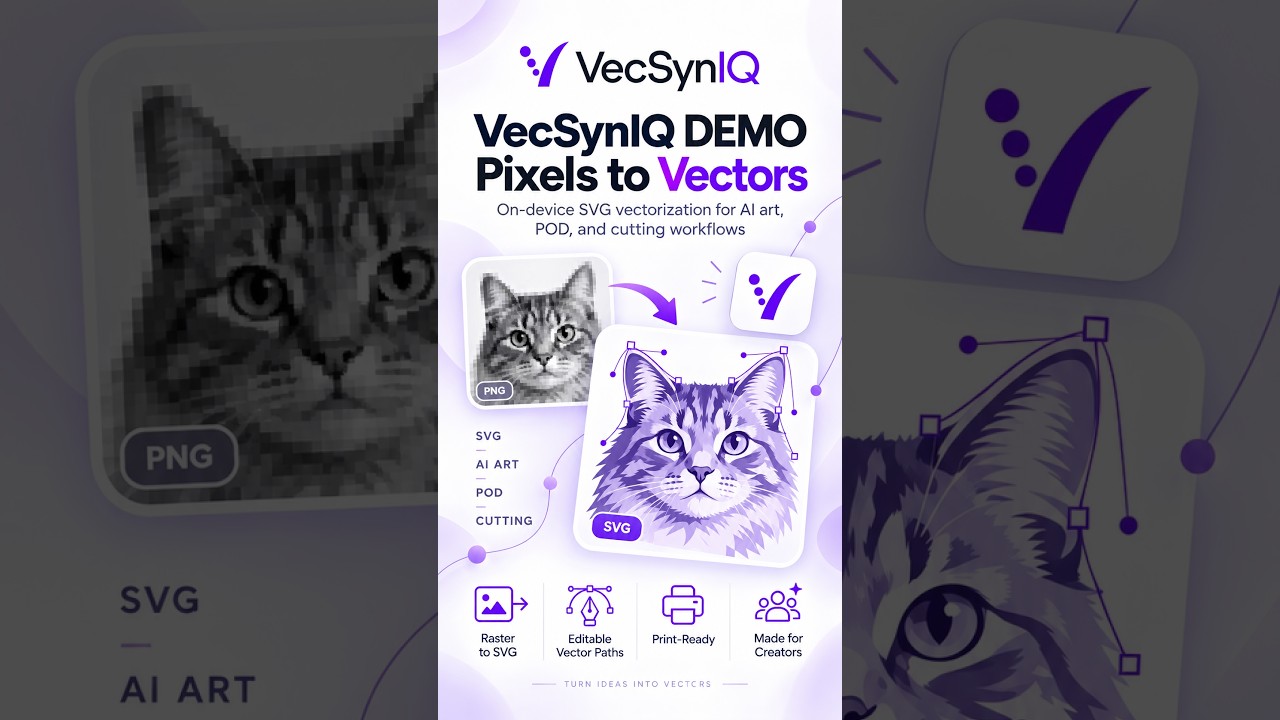
VecSynIQ Demo - Now Available on iOS and Android (Soon on MacOS and Windows)
VecSynIQ turns images and AI-generated artwork into clean, scalable SVG vectors -

Elevator, Please! - Pre release Demo
Elevator, Please! — Official Gameplay Demo Everybody has somewhere to be. Elev -

ManagerGym Demo
ManagerGym is a leadership practice app designed to help new, aspiring, and expe
Comments & Upvotes