




LEARN HOW TO CREATE PROFESSIONAL LEARNING VIDEOS WITH STEVE AI
Are you looking for a way to create high quality training and educational videos without a full production team? In this tutorial, we explore the powerful features of Steve AI version 3 to show you how to turn scripts into polished 2D animations in minutes.
Whether you are building corporate training modules or educational content for YouTube, this guide covers everything from initial setup to the final export. You will learn how to navigate the dashboard, choose between live action or animation styles, and select the perfect AI voiceover to match your brand tone. We also dive into the customization tools that allow you to change characters, layouts, and brand colors with just a few clicks.
KEY TOPICS COVERED IN THIS VIDEO
TRANSFORM SCRIPTS INTO VIDEOS
Discover how to use the built in AI script generator or import your own text from tools like ChatGPT. Steve AI makes it easy to organize your ideas into professional scenes automatically.
VOICEOVERS AND CHARACTER CUSTOMIZATION
Learn how to pick from a wide variety of human like voices and customize your characters to maintain consistency across your entire video project.
BRANDING AND EDITING TOOLS
We walk through the full scene editor where you can change color palettes, add your company logo, and adjust transitions to make the video truly yours. Steve AI is a game changer for learning and development teams looking to scale their content production.
CHAPTERS
0:00 Intro to Steve AI and Version 3 Features
2:45 Setting Up Projects and Choosing AI Voices
5:30 Script Generation and Template Selection
8:15 Customizing Characters and Brand Colors
10:45 Final Review and Exporting Your Video
READY TO START CREATING
Check out the link in the description to sign up for Steve AI and start making your own learning videos today. If you enjoyed this walkthrough, please give the video a THUMBS UP and SUBSCRIBE for more tutorials on the latest AI tools. See you in the next video!
Also watch
-
September 26, 2026
-
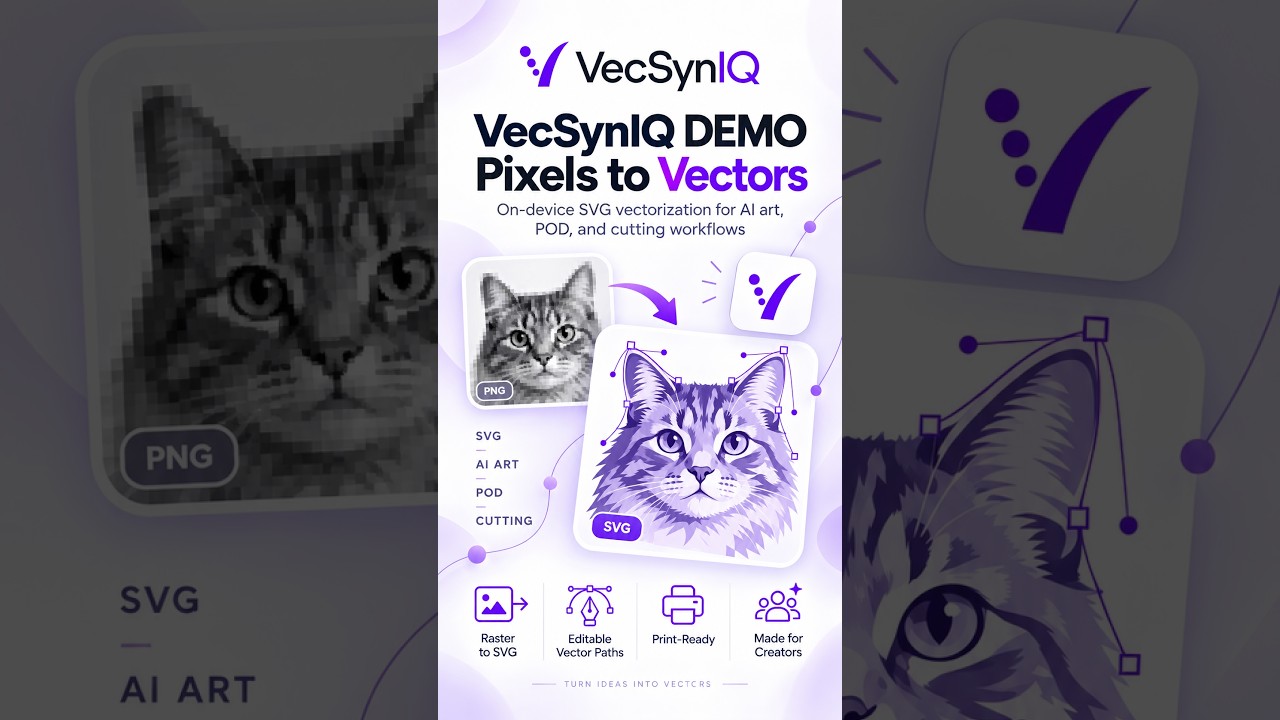
VecSynIQ Demo - Now Available on iOS and Android (Soon on MacOS and Windows)
VecSynIQ turns images and AI-generated artwork into clean, scalable SVG vectors -

Elevator, Please! - Pre release Demo
Elevator, Please! — Official Gameplay Demo Everybody has somewhere to be. Elev -

ManagerGym Demo
ManagerGym is a leadership practice app designed to help new, aspiring, and expe
Comments & Upvotes