


Learn how to create stunning t-shirt designs using Chat GPT and Canva in this step-by-step guide! In this video, we’ll show you how to transform AI-generated artwork into high-resolution designs ready for print-on-demand platforms like Redbubble. From saving your Chat GPT image to uploading it in Canva, removing backgrounds, upscaling images, and exporting files for professional printing, this tutorial covers everything you need for a seamless design process.
Using Canva’s powerful design tools, including background remover and image upscaler, you can effortlessly prepare your art for various products like phone cases, pillowcases, and t-shirts. Whether you’re a beginner or a seasoned designer, this guide is perfect for anyone looking to create and sell custom artwork using innovative tools.
Be sure to subscribe to learn more about Canva, design tips, and creative apps to boost your skills. Ready to make your designs stand out? Let’s get started!
#t-shirtdesign #imageupscaling #canvatutorial #designingwithcanva #graphicdesigntips
CHAPTERS:
00:00 - How to Make Your Design in ChatGPT
01:39 - How to Upload Your Design in Canva
03:02 - How to Upscale Your Design
05:42 - How to Use Affinity Designer
06:40 - How to Use Affinity Publisher
08:02 - How to Export Your Design as a PDF
09:16 - How to Check Your Design in Redbubble
Also watch
-
September 26, 2026
-
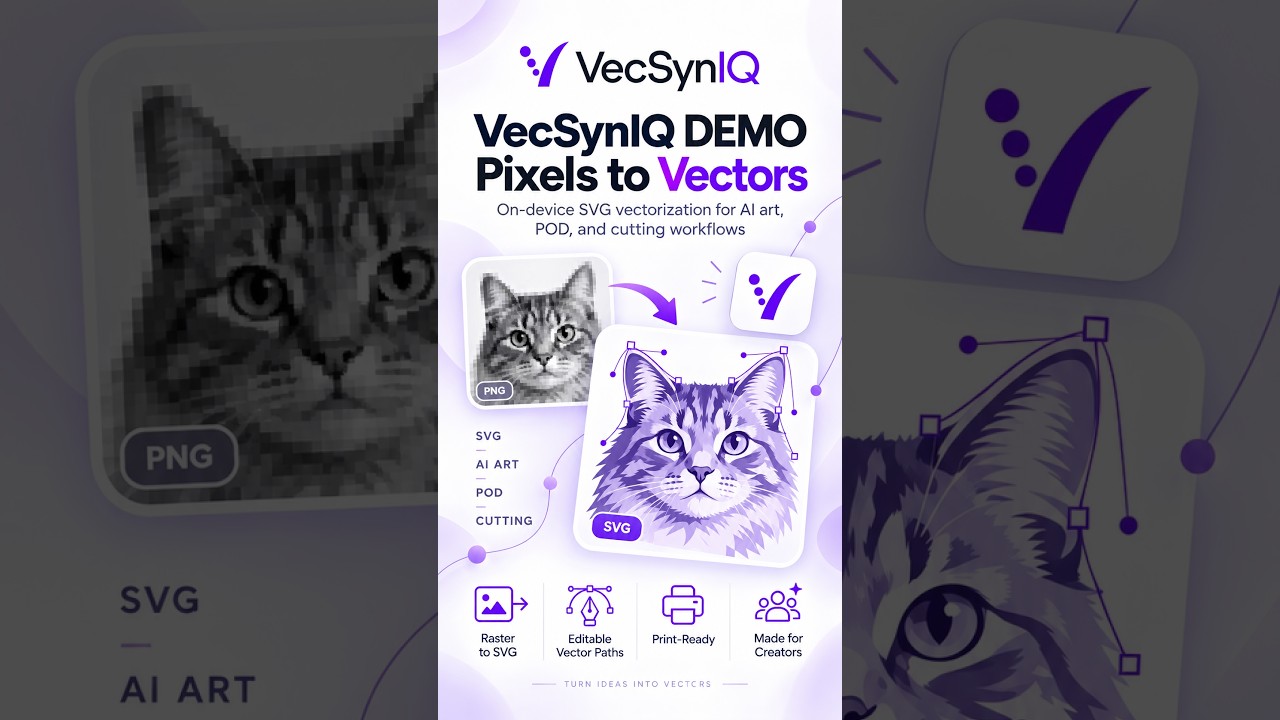
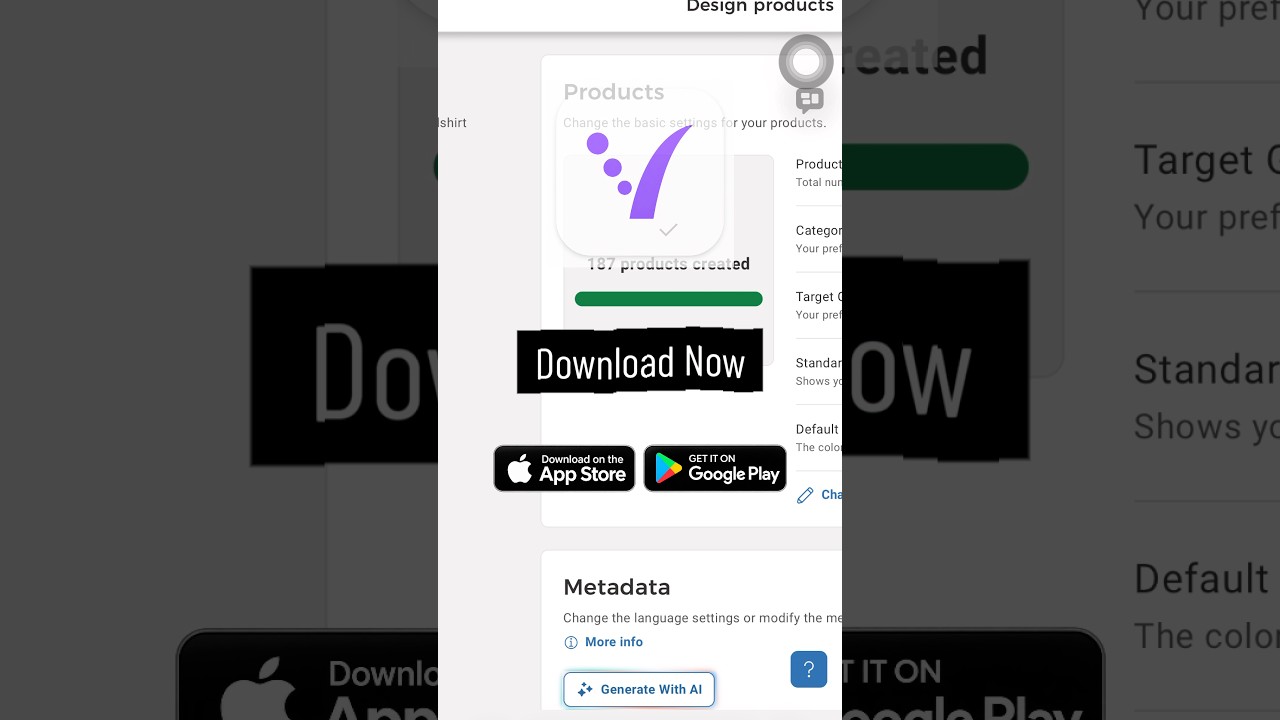
VecSynIQ Demo - Now Available on iOS and Android (Soon on MacOS and Windows)
VecSynIQ turns images and AI-generated artwork into clean, scalable SVG vectors -

Elevator, Please! - Pre release Demo
Elevator, Please! — Official Gameplay Demo Everybody has somewhere to be. Elev -

ManagerGym Demo
ManagerGym is a leadership practice app designed to help new, aspiring, and expe
Comments & Upvotes