




Don't have a Canva account yet? Signup here 👉 https://canva.com/p/mrdzyn
Want to write blog posts, articles, and business content faster with AI?
In this 15-minute Canva AI 2.0 Crash Course, I'll show you how to use Canva Magic Write and Canva's AI-powered tools to create high-quality content without staring at a blank page.
Whether you're a marketer, business owner, freelancer, executive, student, or content creator, you'll learn practical techniques you can apply immediately.
What you'll learn:
✅ Write blog posts with AI
✅ Generate article ideas in seconds
✅ Create outlines instantly
✅ Rewrite and improve existing content
✅ Polish your writing with AI
✅ Save hours every week using Canva AI
This is part of my AI Software Skills for Work series, where I teach practical AI tools that help you work smarter, create faster, and boost productivity.
If you found this tutorial helpful, please Like, Subscribe, and turn on notifications for more AI tutorials, software reviews, and productivity tips.
💬 Question: What's the first thing you want Canva AI to help you write? Let me know in the comments!
#canvaai #CanvaAI20 #Canva #MagicWrite #AIWriting #BlogWriting #ContentCreation #ArtificialIntelligence #Productivity #AITools #ContentMarketing #Copywriting #BusinessProductivity #WorkSmarter #AISoftwareSkills
Also watch
-
September 26, 2026
-
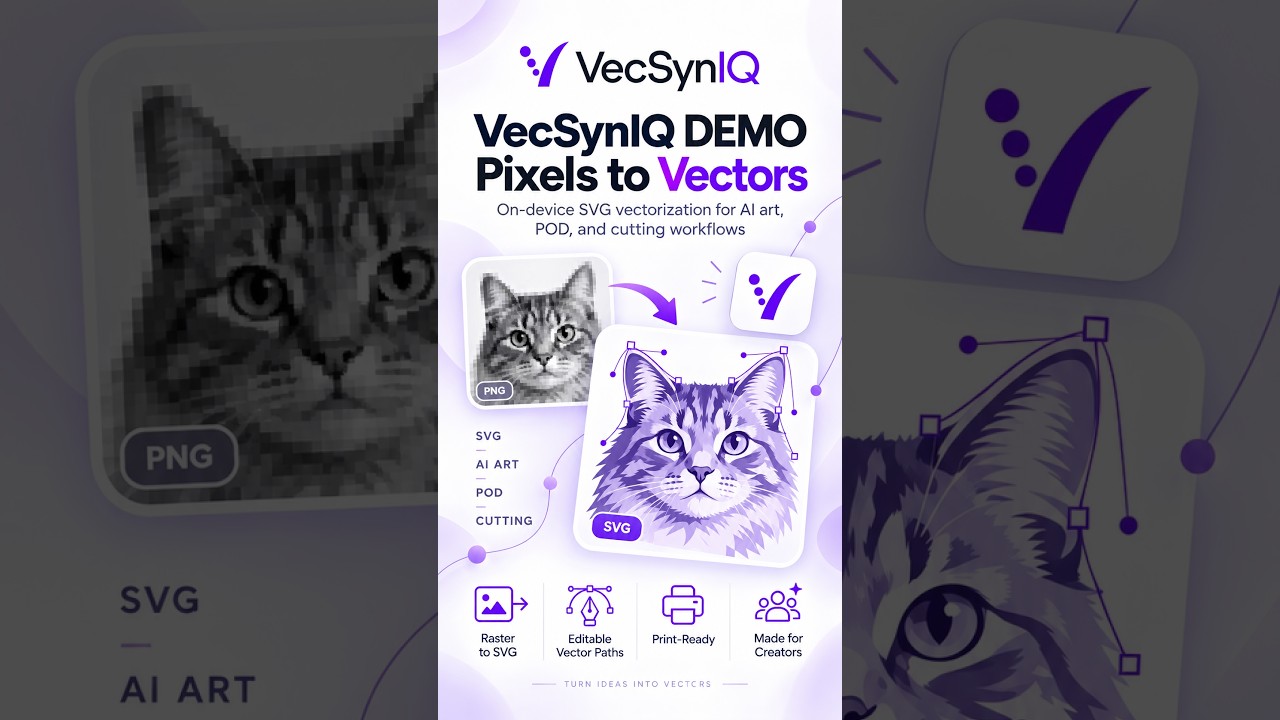
VecSynIQ Demo - Now Available on iOS and Android (Soon on MacOS and Windows)
VecSynIQ turns images and AI-generated artwork into clean, scalable SVG vectors -

Elevator, Please! - Pre release Demo
Elevator, Please! — Official Gameplay Demo Everybody has somewhere to be. Elev -

ManagerGym Demo
ManagerGym is a leadership practice app designed to help new, aspiring, and expe
Comments & Upvotes